Fast stitching
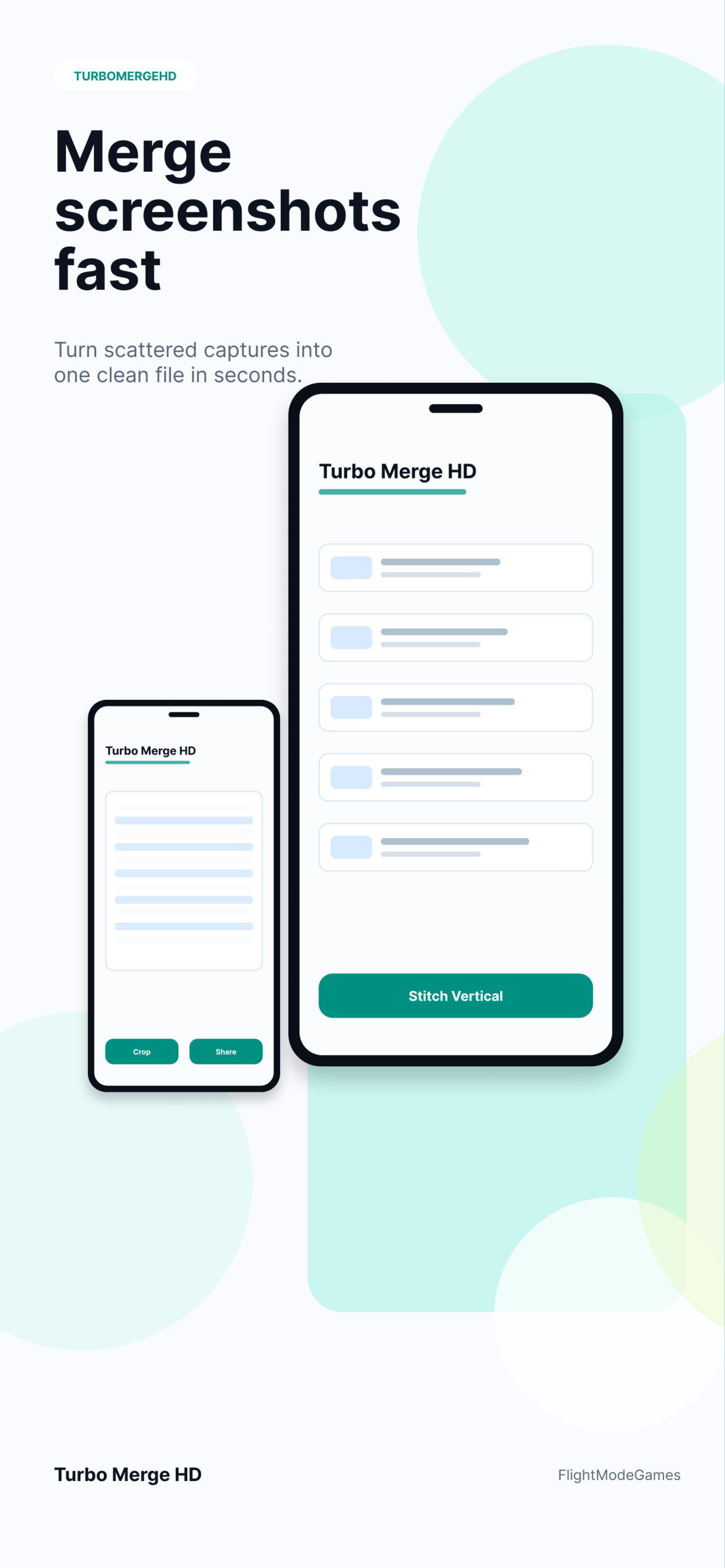
Combine screenshots vertically or horizontally while preserving your selected order. See the screenshot stitcher workflow or the merge screenshots guide.
Screenshot stitcher for clean exports
Turbo Merge HD turns scattered screenshots, captures, receipts, chats, documents, and visual notes into one clean image or PDF. Review the result before saving, keep the order under control, and export in the format that fits the job.
Core workflow
Built for repeated utility: collect images, choose the direction, preview the output, and save or share when it looks right.
Combine screenshots vertically or horizontally while preserving your selected order. See the screenshot stitcher workflow or the merge screenshots guide.
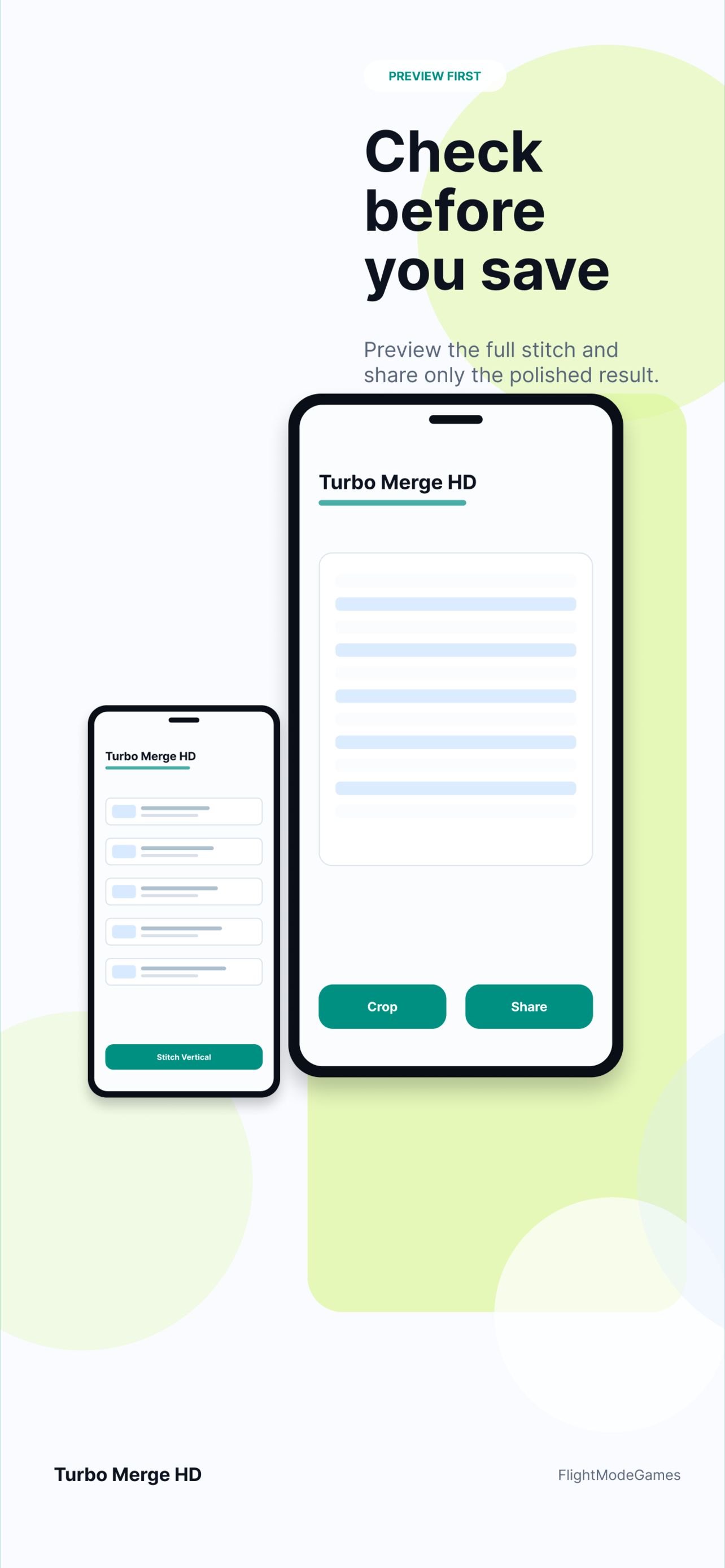
Review the output before saving, then choose image or PDF depending on the job.
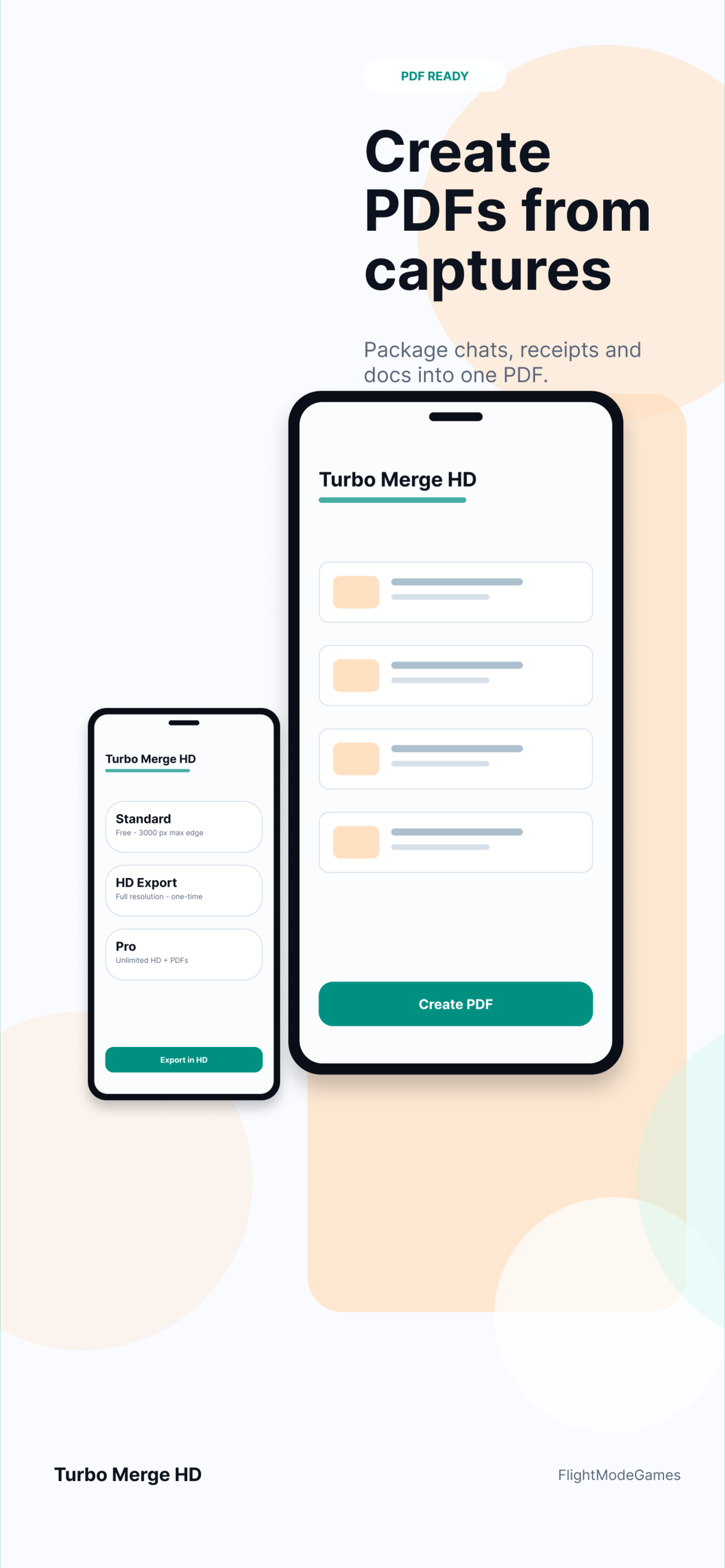
Keep sharp text for detailed screenshots, archive captures as PDFs, and share compact outputs when needed. Open the screenshot-to-PDF guide.
Platforms
Choose the store or platform page for your device. iPhone, iPad, and Android are available now, with Mac and Web planned for later releases.
Download the iOS app from the App Store, or open the iOS landing page for screenshots, support, and privacy links.
App Store Open iOS pageDownload the Android app from Google Play, or open the Android landing page for screenshots, support, privacy, and purchase help.
Google Play Open Android pageDesktop workflows are useful for documentation, product support, design review, and long capture cleanup.
Mac coming soonThe future browser version can become the root product experience while this page keeps search traffic warm.
Web version plannedUse cases
Turbo Merge HD is built for the moments when a pile of images needs to become one readable deliverable.
Private workflow
Selected images are not uploaded to Turbo Merge HD servers for stitching. Product analytics, when enabled, is designed to avoid image contents, file names, file paths, and document contents.
FAQ
It combines screenshots and images into a single image or PDF, with controls for direction, preview, and export quality.
Yes. Turbo Merge HD supports PDF export workflows for screenshots, documents, chats, and reports.
No. The app is designed around local processing, and selected images are not uploaded to Turbo Merge HD servers for stitching.
The iOS and Android landing pages are available now. Mac and Web platform pages can be added as those releases become ready.
Open the dedicated iOS or Android page for screenshots, support, privacy, and store availability.