Preserve the thread
Merge screenshots in the same order the conversation happened so the export reads naturally from top to bottom.
Long chat screenshot
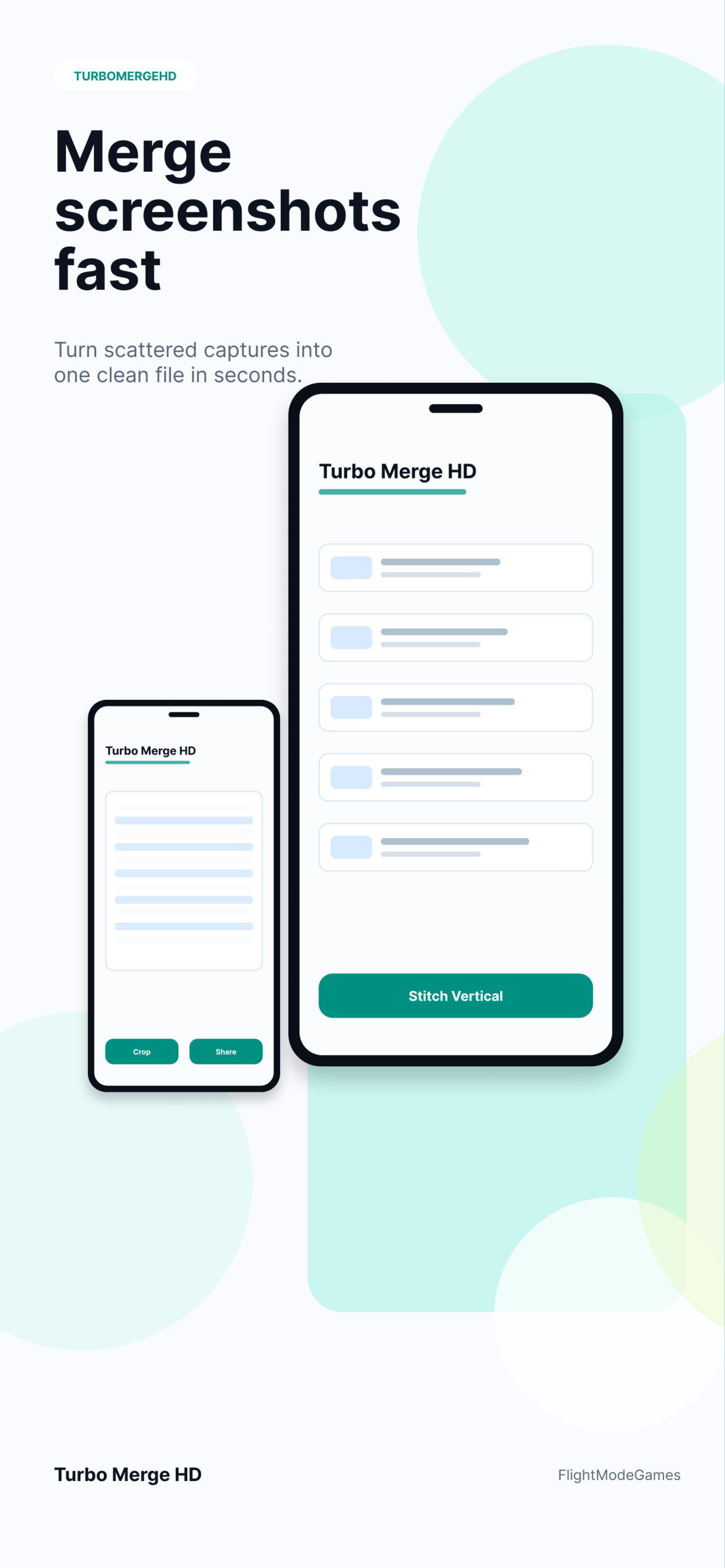
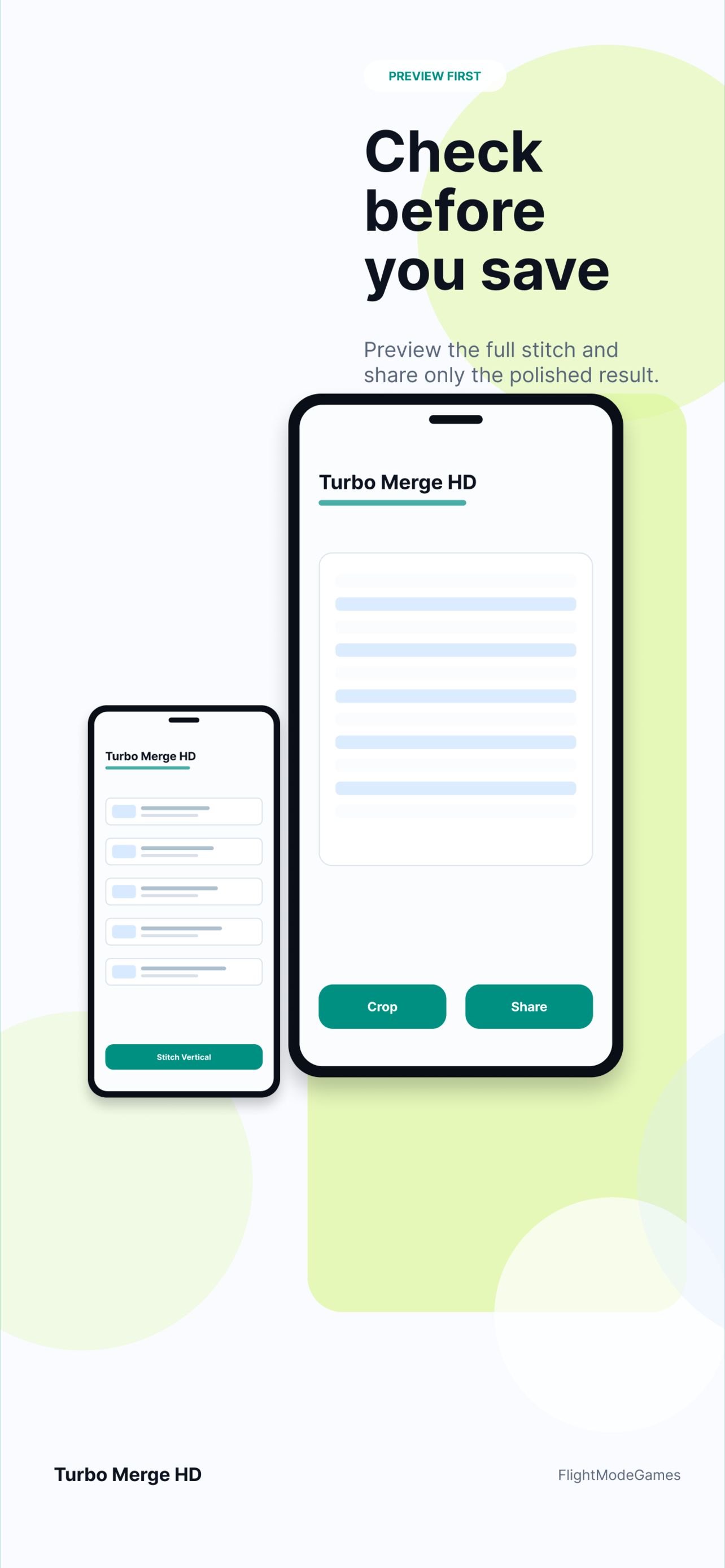
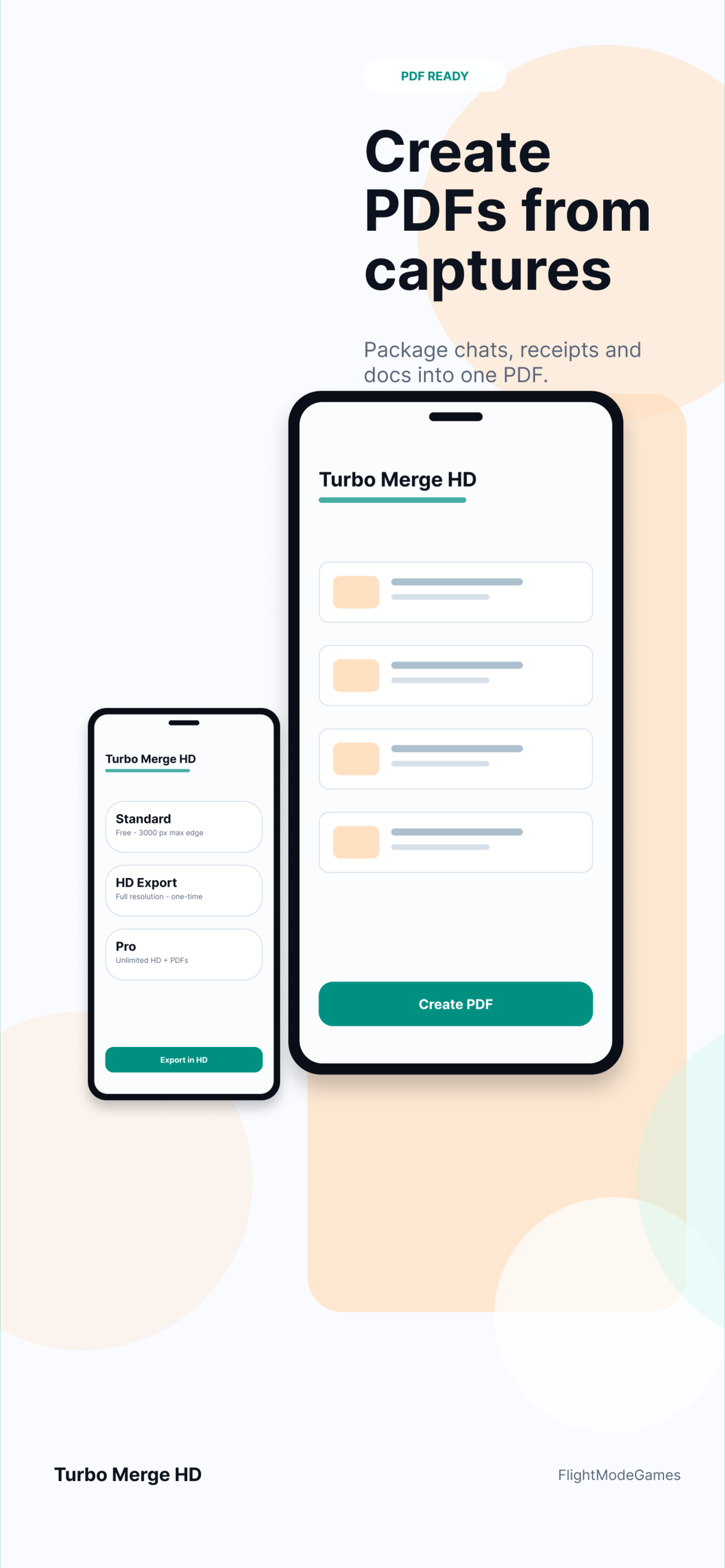
Long conversations often need more context than one screen can show. Turbo Merge HD lets you combine chat screenshots in order, preview the stitched result, and export a clean image or PDF that is easier to send to support, save with records, or share with someone who needs the full thread.
Conversation context
Separate screenshots can be confusing because the reader has to guess the order. A stitched chat screenshot keeps the conversation sequence together and reduces the chance that important context is missed.
Merge screenshots in the same order the conversation happened so the export reads naturally from top to bottom.
Send one image or PDF instead of asking someone to open and sort many separate chat screenshots.
Selected screenshots are processed on device and are not uploaded to Turbo Merge HD servers for stitching.
Where it helps
A long chat screenshot can preserve customer support conversations, purchase confirmations, project discussions, moderation evidence, or step-by-step instructions.
Usually yes. Vertical stitching is easiest to read for conversations because it follows the natural message flow.
Yes. Use PDF export when a chat thread needs to be filed, emailed, printed, or attached to a report.
It is useful when system long screenshot capture is unavailable, incomplete, or when your screenshots came from different moments.
Download Turbo Merge HD from the App Store or Google Play.
Use Turbo Merge HD to keep the message order readable and export as image or PDF.