Select related captures
Choose screenshots from the same conversation, checkout flow, bug report, article, itinerary, or notes sequence.
Merge screenshots
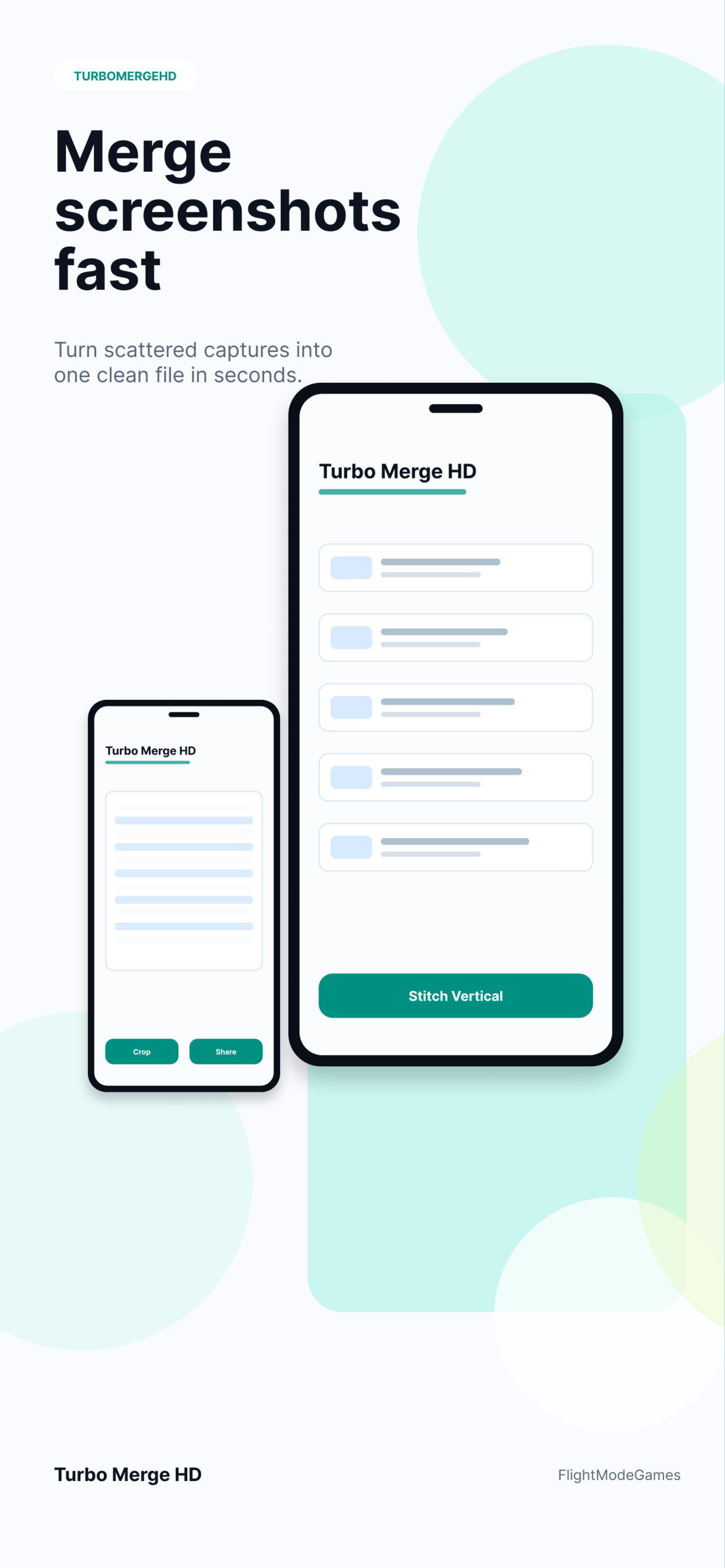
Turbo Merge HD helps you merge screenshots that belong together: chat captures, receipts, app flows, notes, visual instructions, and support evidence. Select the images, keep the order readable, preview the merge, then export one clean HD image or PDF instead of sending a scattered stack of files.
Workflow
A good screenshot merge keeps the source order obvious and the final result readable. Turbo Merge HD focuses on practical merging instead of decorative collage layouts.
Choose screenshots from the same conversation, checkout flow, bug report, article, itinerary, or notes sequence.
Use vertical merge for long context and horizontal merge for side-by-side comparison or wide visual sequences.
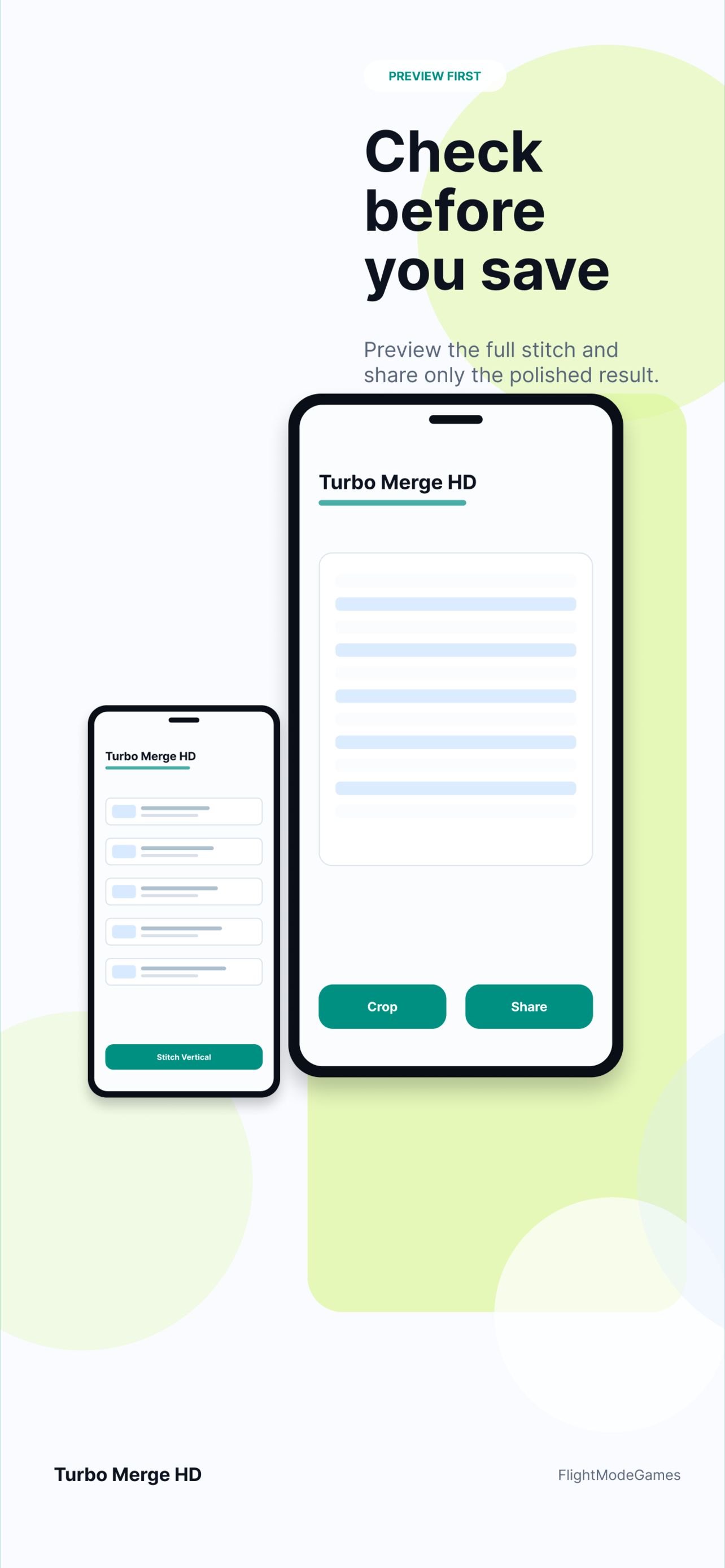
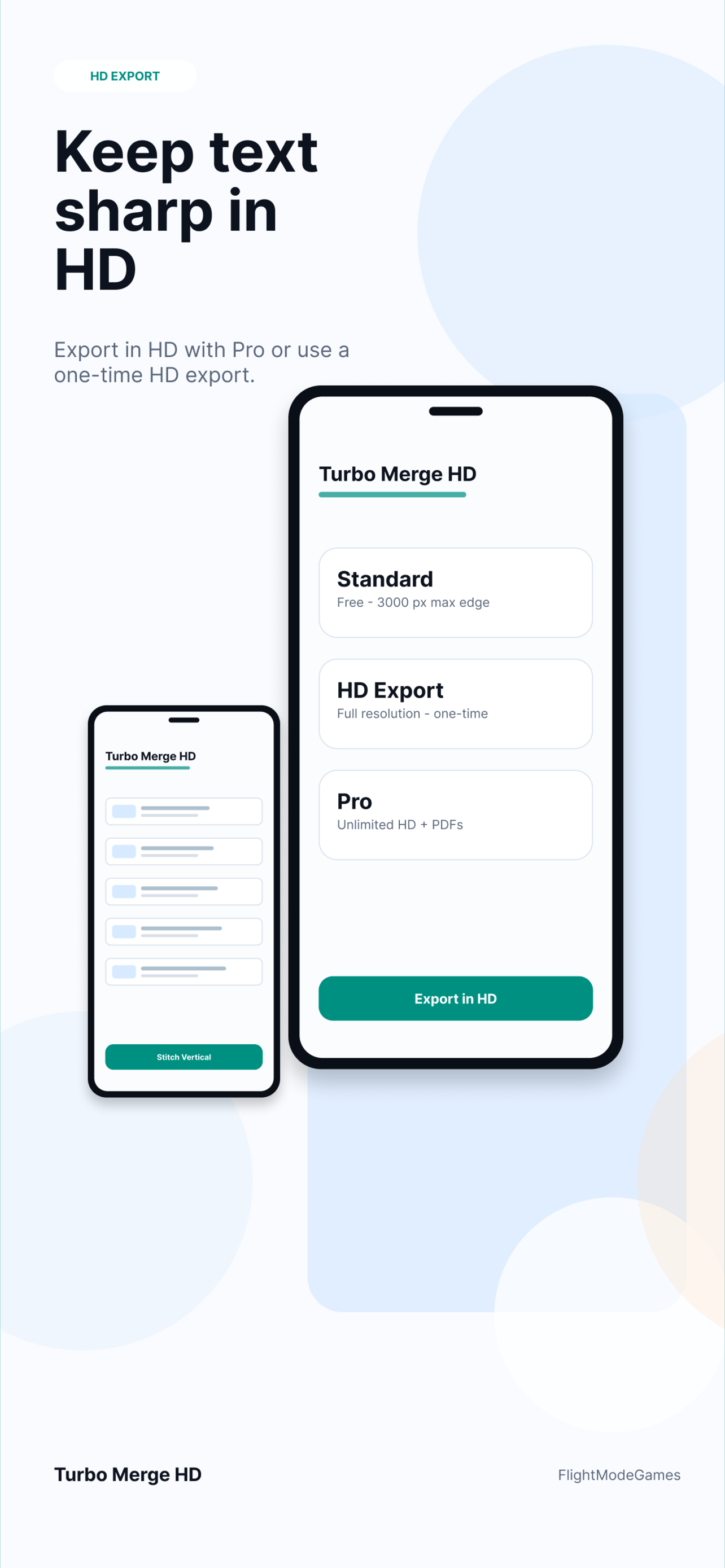
Check the order and spacing before saving, then export a clean image or PDF depending on how the result will be shared.
Use cases
Screenshot merging is useful when the reader should understand the full context without opening images one by one.
Private by design
Turbo Merge HD is designed around local processing. Selected images are not uploaded to Turbo Merge HD servers, and analytics should not include image contents, filenames, local paths, or document contents.
Yes. Vertical merging works well for chats, articles, receipts, app screens, and long visual context.
Yes. Horizontal merging is useful when screenshots should be compared side by side.
Yes. Open the screenshot-to-PDF guide for document-style workflows.
Download Turbo Merge HD from the App Store or Google Play, or open the platform pages for support and privacy links.
Download Turbo Merge HD from the App Store or Google Play.