Collect related captures
Group receipts, chats, reports, app flows, or notes before exporting them as one deliverable.
Screenshot to PDF
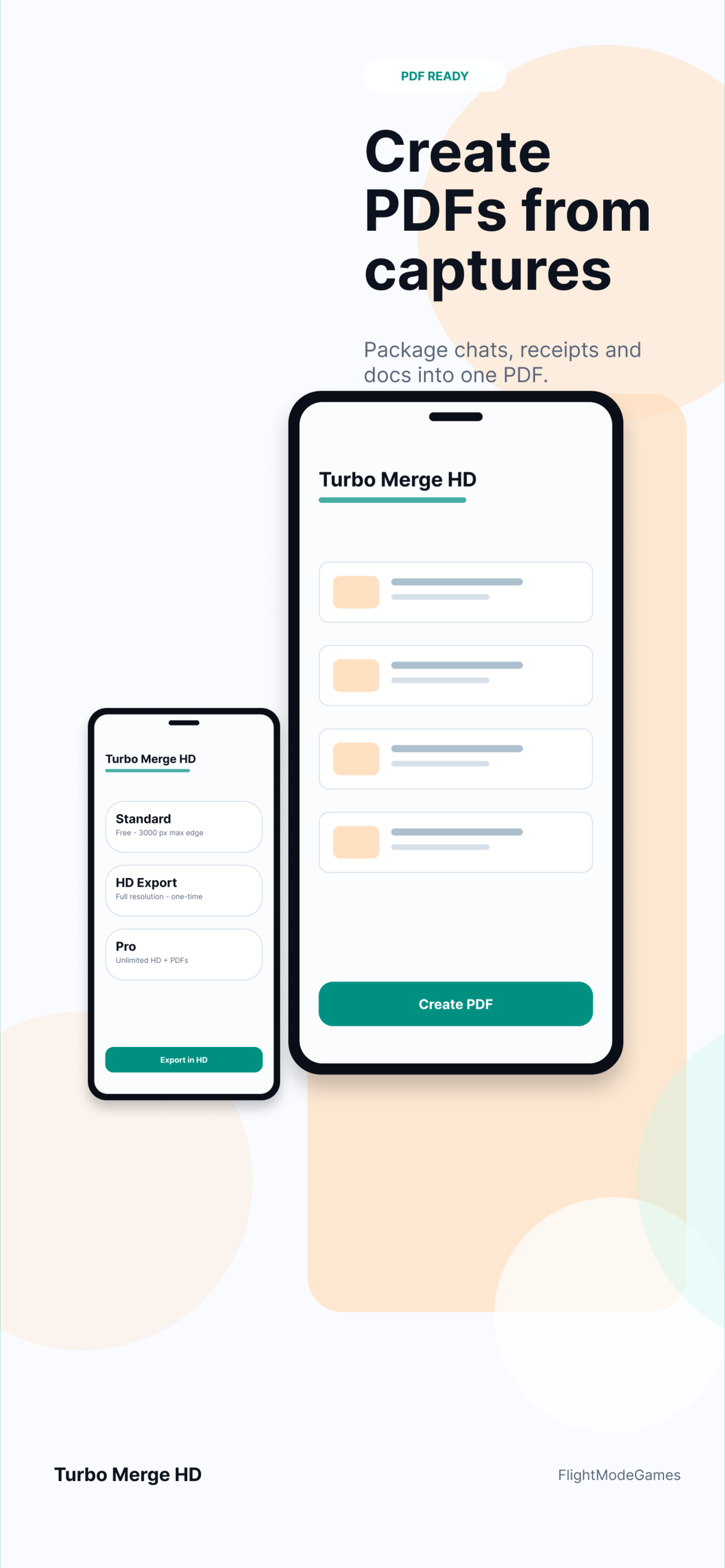
Turbo Merge HD helps turn screenshots, receipts, chats, app captures, and visual notes into a PDF you can store, attach, or share. Preview the result before saving and keep sensitive image contents out of Turbo Merge HD servers.
PDF workflow
A PDF is often easier to store, send, or attach than a folder of separate screenshots.
Group receipts, chats, reports, app flows, or notes before exporting them as one deliverable.
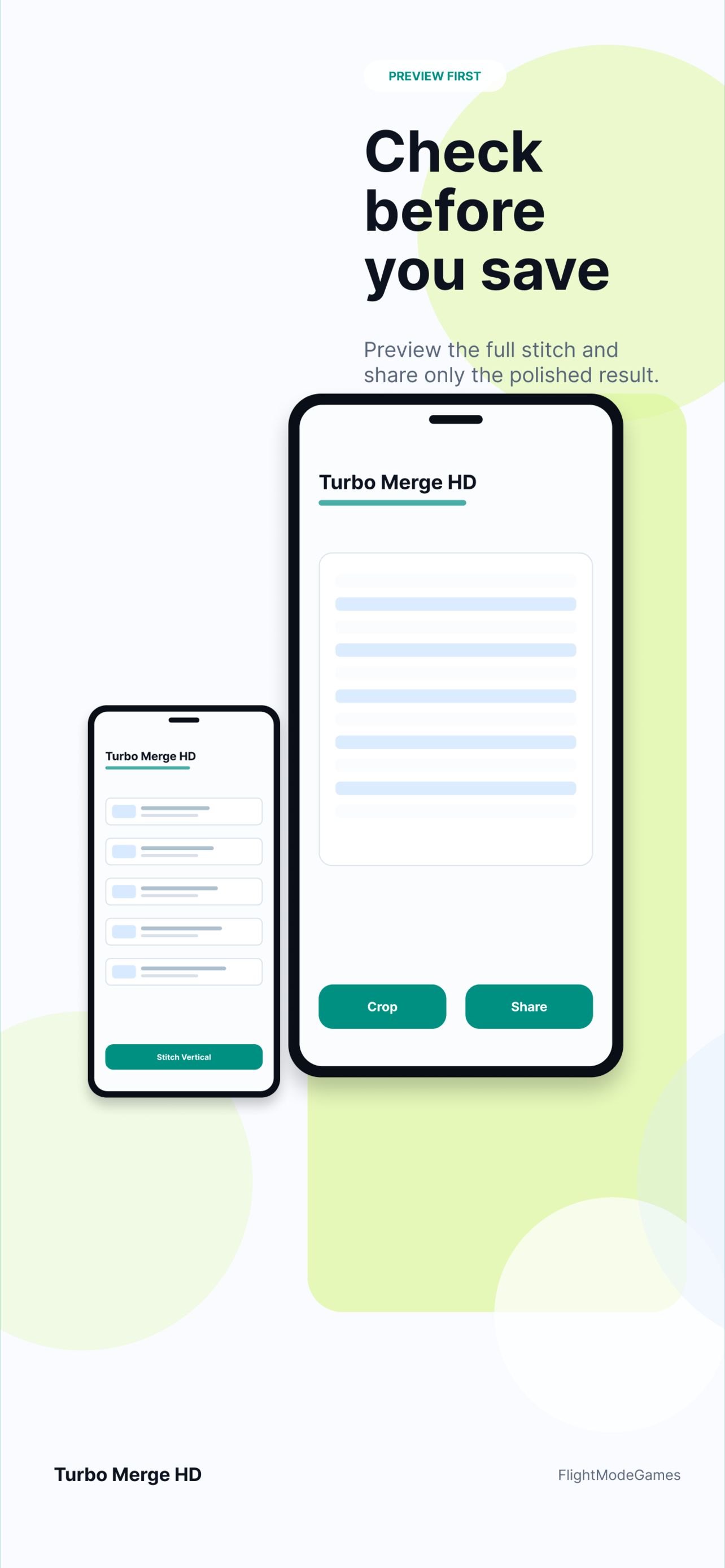
Review the order and output first, then save the file when it matches the job.
Choose a long image for quick sharing or a PDF for archives, support, and documentation.
Best for
Use PDF export when the output should be searchable in a workflow, attached to a ticket, or preserved as a record.
Local processing
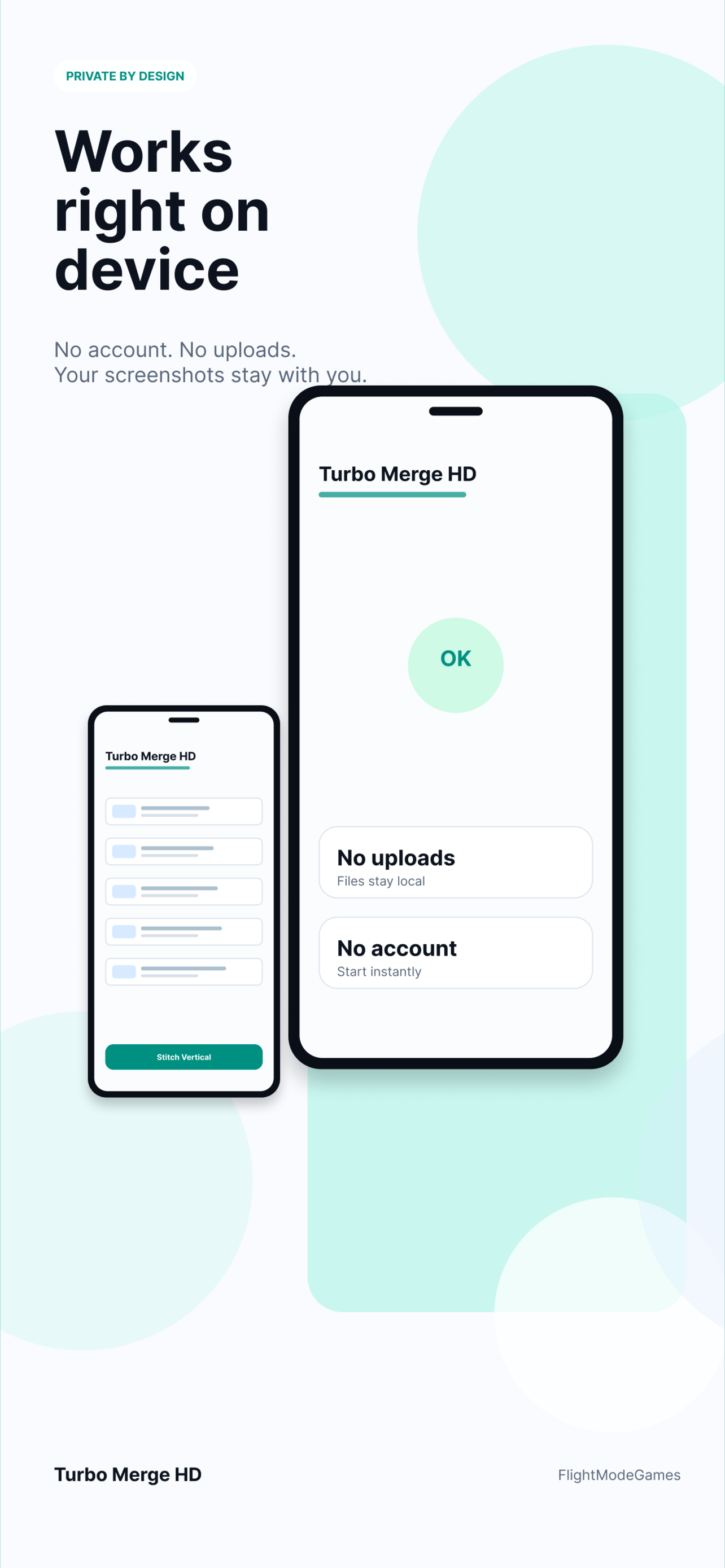
Selected images are not uploaded to Turbo Merge HD servers for stitching or PDF export. Analytics avoids image contents, file names, file paths, and document contents.
Download Turbo Merge HD from the App Store or Google Play.