Keep the selected order
Select screenshots in sequence and preserve that order in the final merged image.
Screenshot stitcher
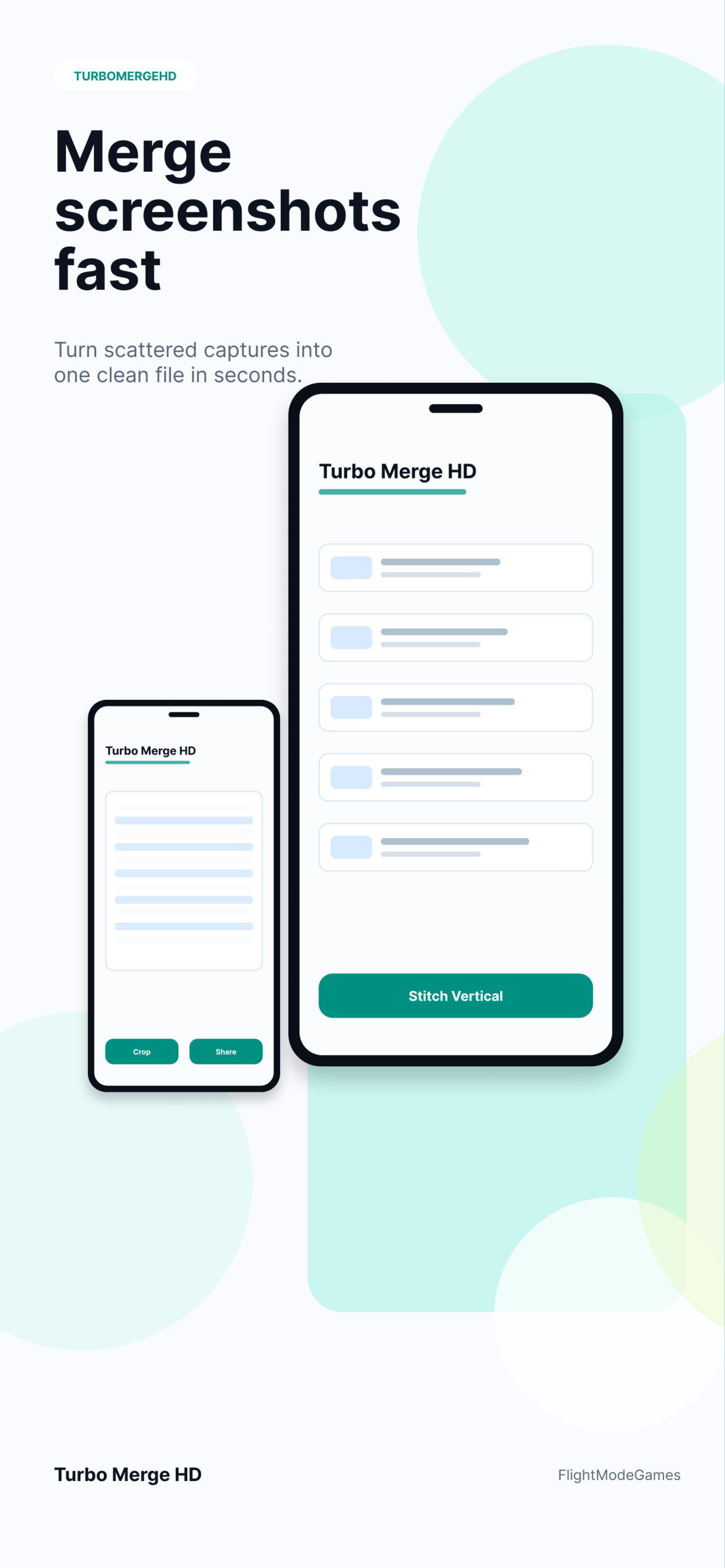
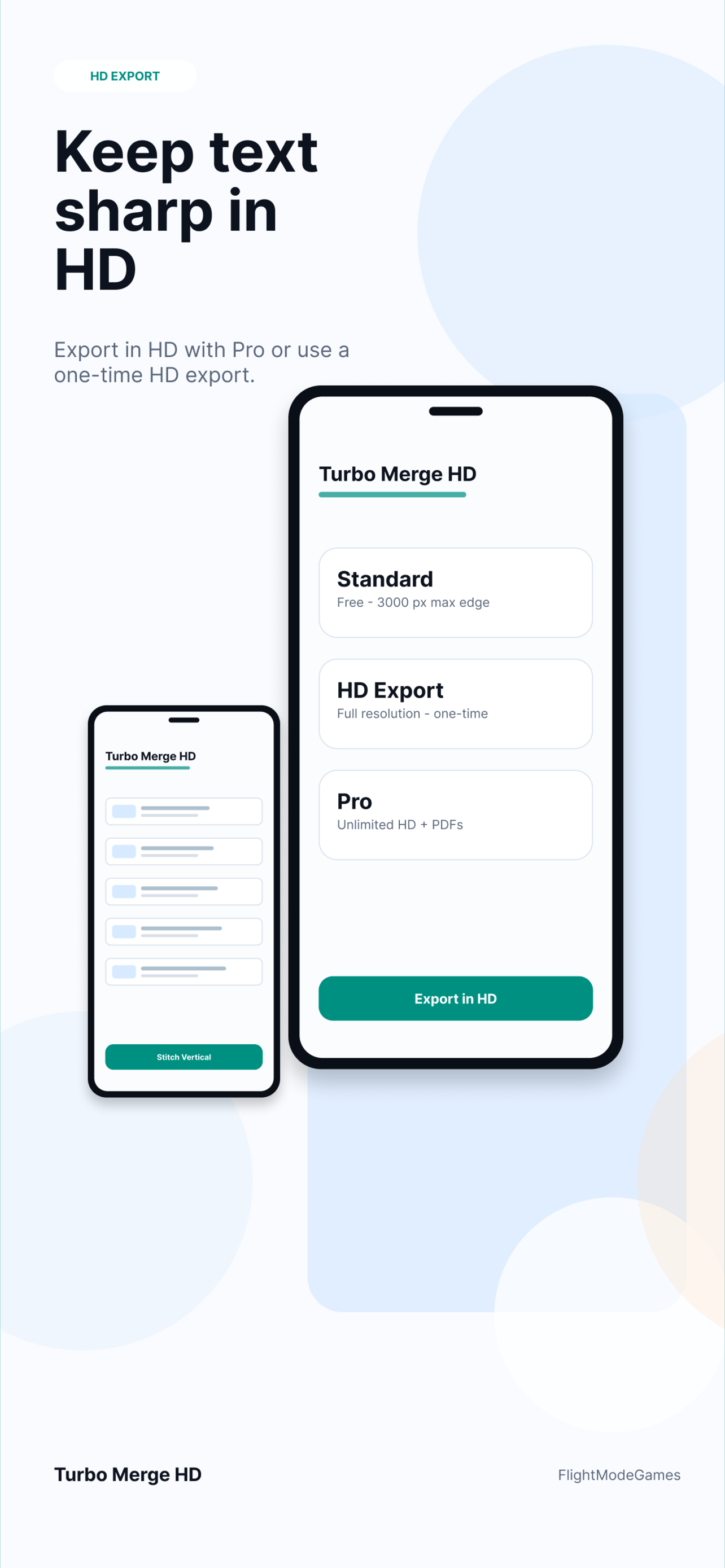
Turbo Merge HD turns separate screenshots into a single readable image. Pick captures in the right order, choose vertical or horizontal stitching, preview the result, and export in HD when small text needs to stay sharp.
Workflow
Use it when multiple captures need to become one file that is easier to read, send, archive, or attach to a report.
Select screenshots in sequence and preserve that order in the final merged image.
Use vertical stitching for long context or horizontal stitching for side-by-side comparisons.
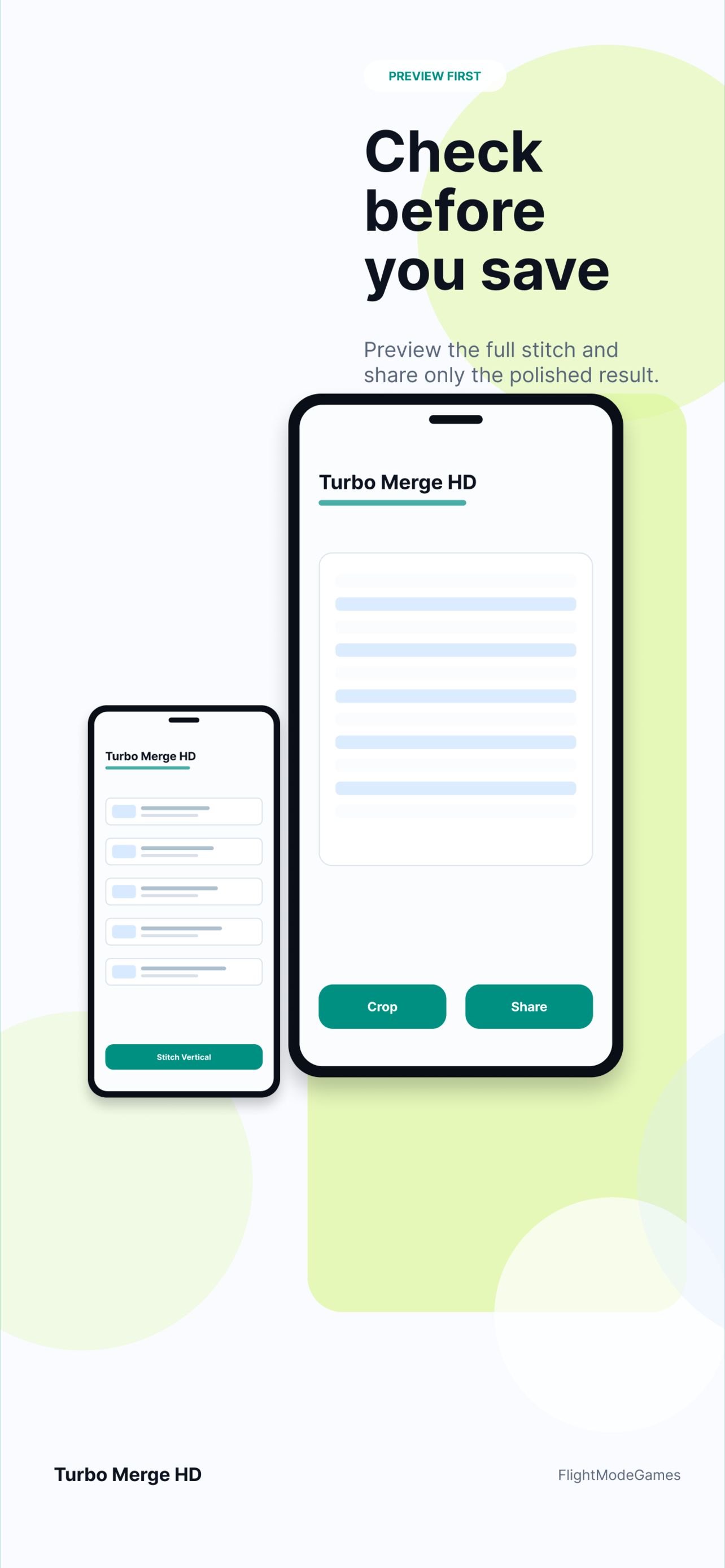
Review the output before saving so the result is clean before it leaves the app.
Use cases
Turbo Merge HD fits everyday screenshot workflows where context matters more than individual image files.
Private by design
Turbo Merge HD is designed around local processing. Product analytics, when enabled, avoids image contents, file names, file paths, and document contents.
Download Turbo Merge HD from the App Store or Google Play.