Preserve order
Keep the screenshot sequence readable so the final result still explains the original flow.
Android screenshot stitcher
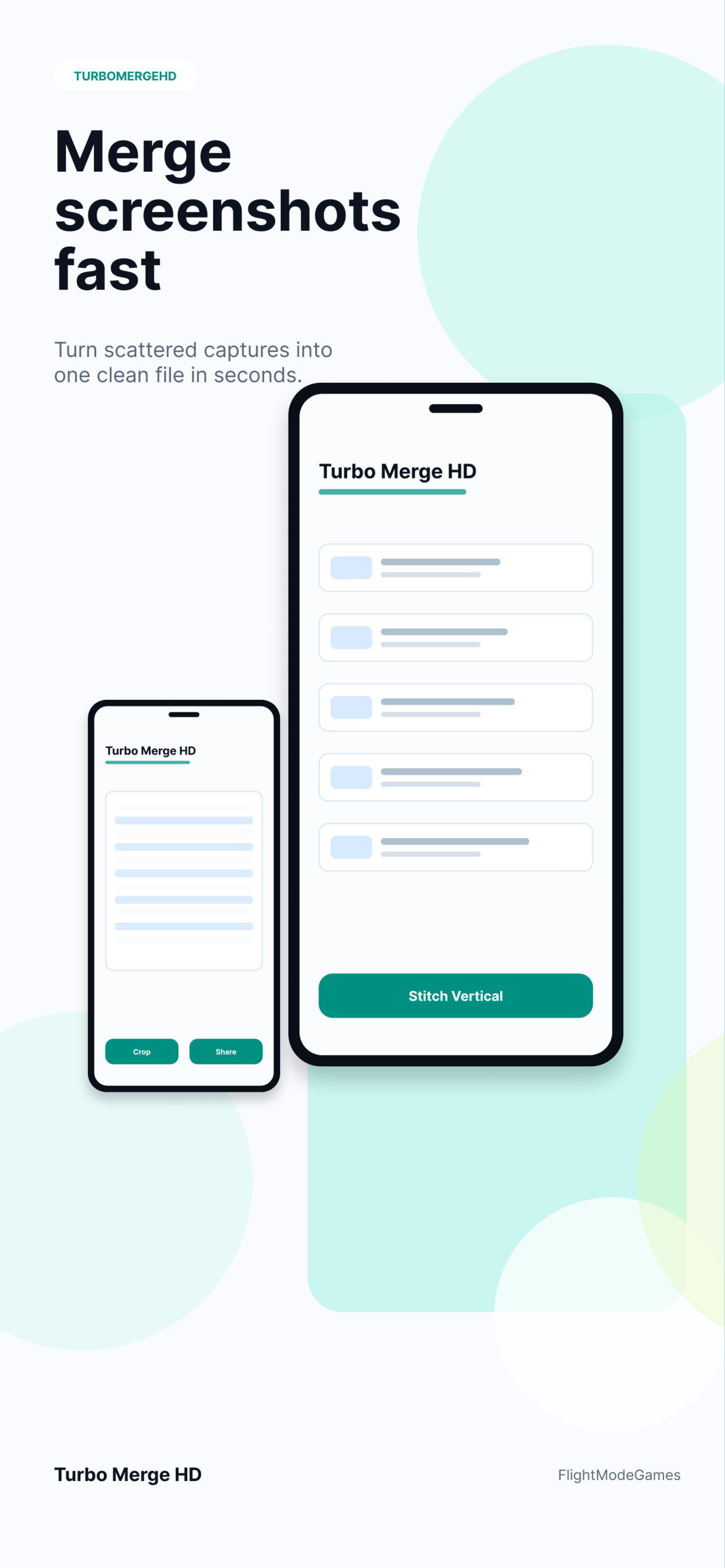
Turbo Merge HD gives Android users a focused screenshot stitching workflow for app captures, chats, receipts, reports, and visual notes. Select screenshots in order, choose a vertical or horizontal merge, preview the output, and export a clean file for sharing or archiving.
Android workflow
Android screenshots often come from chats, shopping flows, travel bookings, app states, and support evidence. A focused stitcher turns those separate captures into one readable file.
Keep the screenshot sequence readable so the final result still explains the original flow.
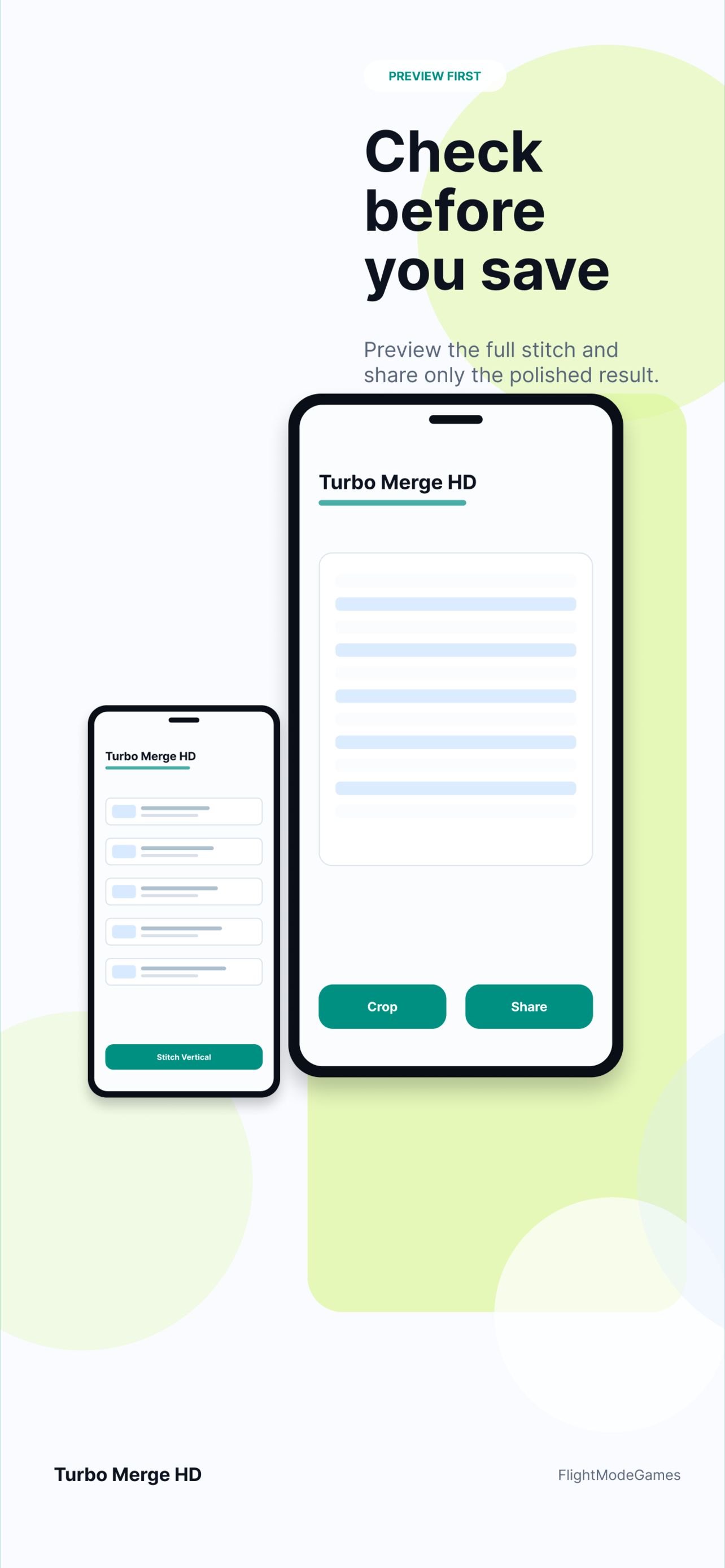
Check vertical or horizontal stitching before saving to avoid sending a broken or confusing export.
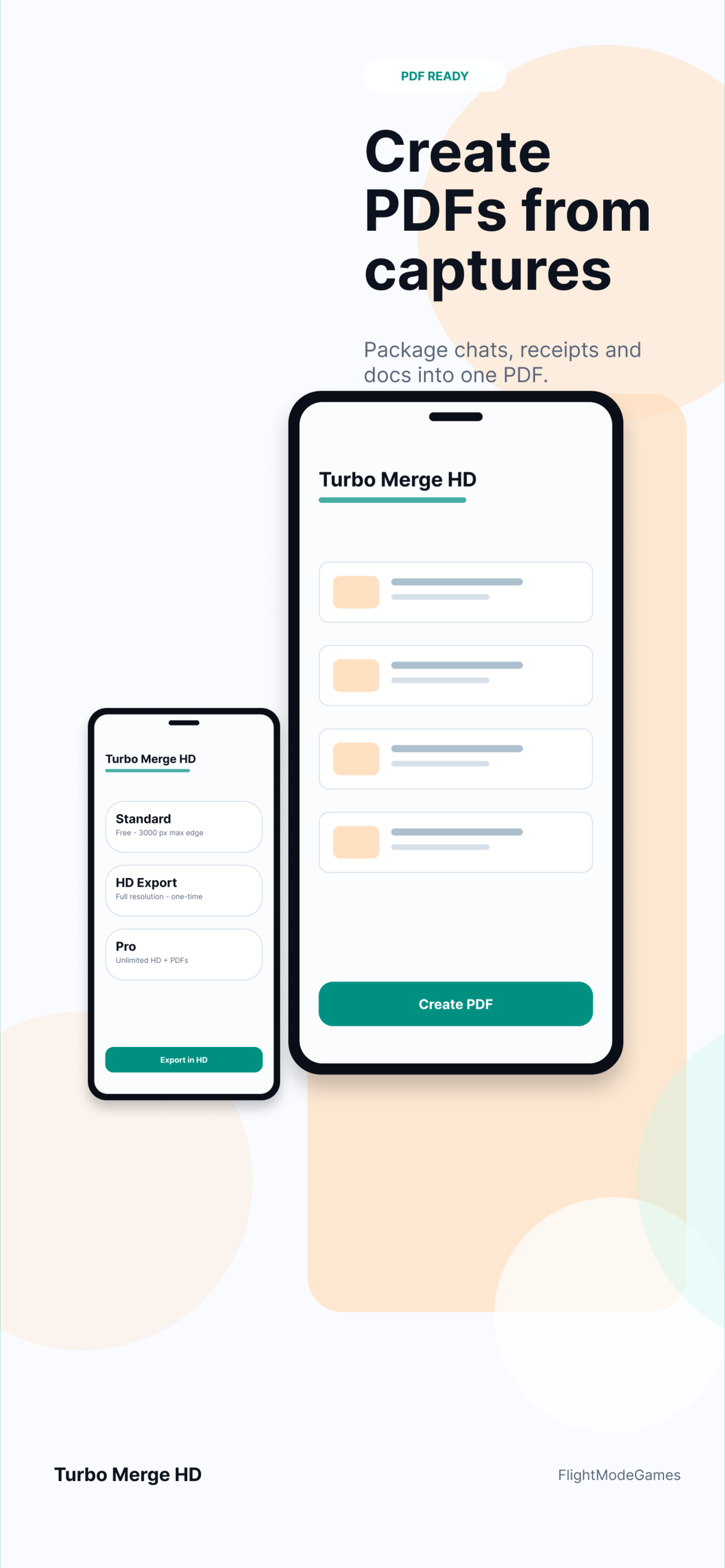
Use a long image for visual context or PDF export when the result should behave like a document.
Use cases
One stitched export is easier to send to support, attach to a ticket, save with a receipt, or keep with project notes.
Privacy
Turbo Merge HD is designed around local processing. Selected screenshots are not uploaded to Turbo Merge HD servers, and analytics should not include image contents, filenames, local paths, or generated document contents.
Yes. Turbo Merge HD is available on Google Play for Android phones and tablets.
The product direction includes screenshot-to-PDF workflows for Android, matching the core Turbo Merge HD export model.
Yes. Chat screenshots are a natural fit for vertical stitching because they often need to be read in order.
Install from Google Play, or open the Android landing page for support and privacy links.
Install the Android app, or use the Android landing page for screenshots, privacy, support, and release information.