Preserve reproduction order
Merge screenshots in the same sequence a tester or user followed before the issue appeared.
Bug report screenshots
Bug reports are easier to review when screenshots are in order and the problem is visible as one sequence. Turbo Merge HD helps combine app states, error screens, settings, checkout steps, and reproduction evidence into a clean HD image or PDF that can be attached to a ticket or sent to support.


QA workflow
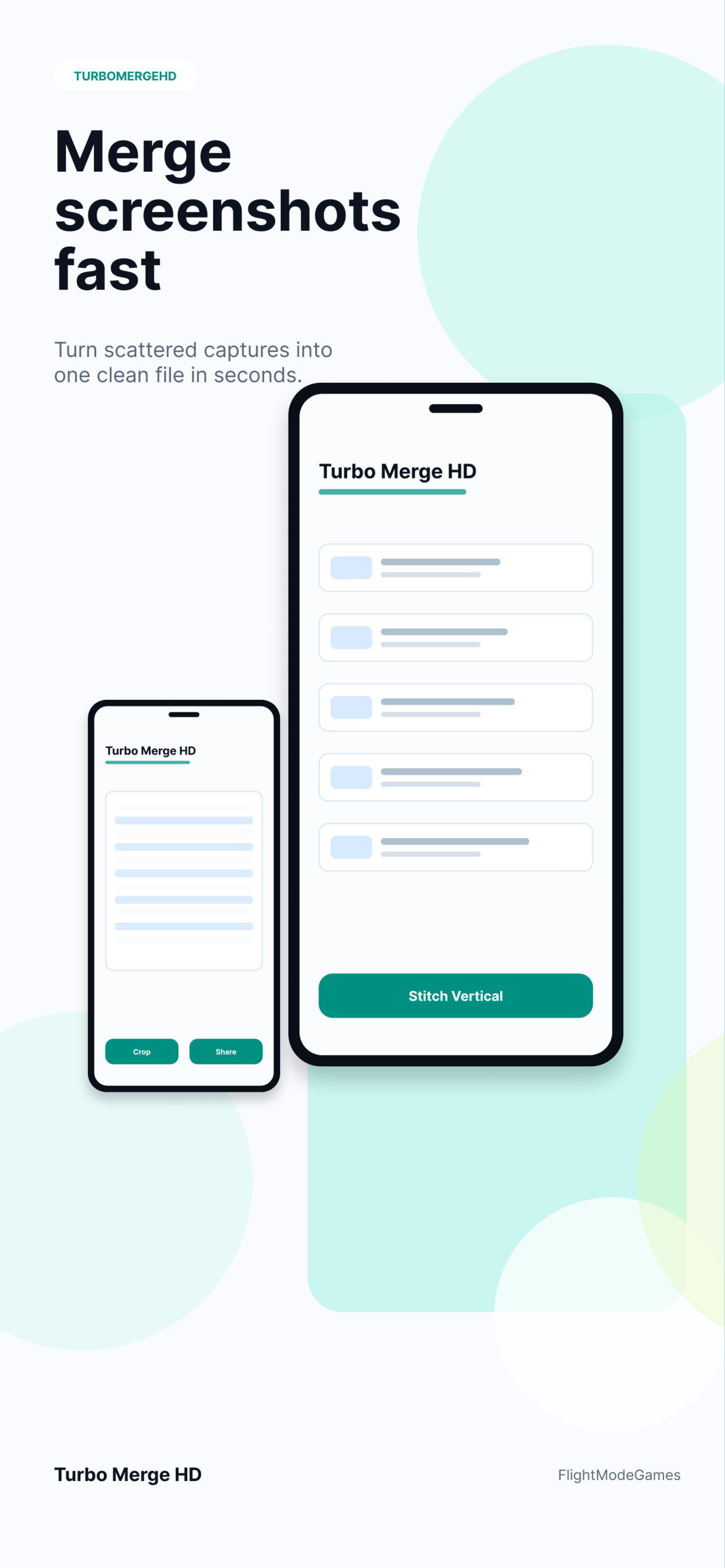
A single screenshot can miss the setup steps that caused a bug. A stitched report can show the before state, the action sequence, the error state, and the expected context in one readable file.
Merge screenshots in the same sequence a tester or user followed before the issue appeared.
Send one image or PDF to a support team, issue tracker, client, or app review note.
Use HD image export when small labels, settings, timestamps, or error messages need to stay sharp.
Use cases
Stitched bug report screenshots help with QA passes, beta feedback, App Store review evidence, customer support, product design review, and documentation handoff.
Usually yes. Vertical merge works well for chronological reproduction steps and app flow evidence.
Yes. PDF export is useful when the report should be attached as a document.
No. Selected screenshots are processed locally and are not uploaded to Turbo Merge HD servers for stitching.
Yes. Related pages cover receipt screenshots and long chat screenshots.
Merge screenshots in order and export a readable image or PDF.