Preserve order
Put receipts, confirmations, and follow-up screens in the sequence that makes sense for the record.
Receipt screenshot organizer
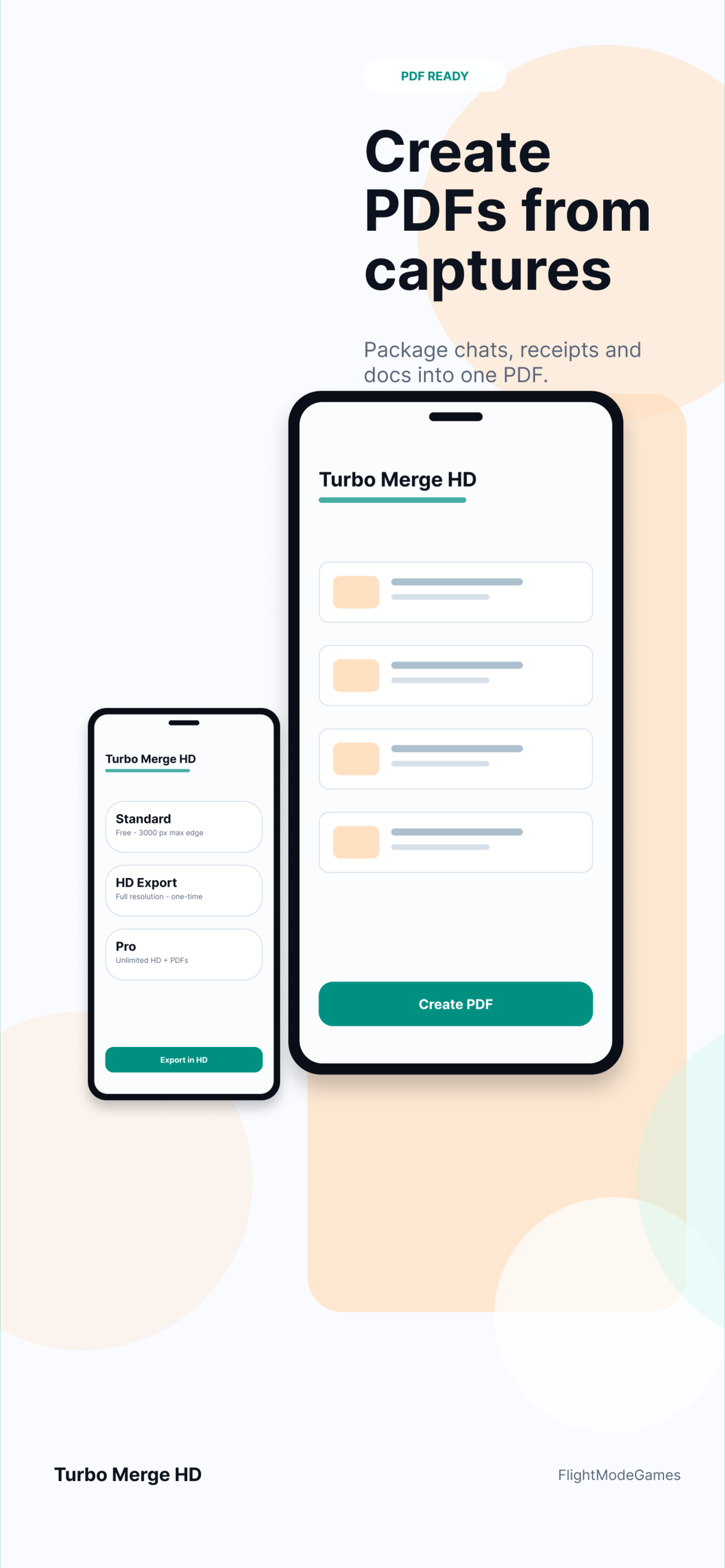
Receipts, bookings, shipping confirmations, tickets, and itineraries often live as separate screenshots. Turbo Merge HD helps combine those related captures into one ordered image or PDF, making them easier to submit for reimbursement, save with records, or share with someone who needs the full context.
Records
A single receipt screenshot is often not enough. You may need the receipt, confirmation number, shipping screen, address screen, or itinerary details together in one file.
Put receipts, confirmations, and follow-up screens in the sequence that makes sense for the record.
Create a clean image or PDF that is easier to attach to expense tools, email, or support forms.
Selected screenshots are not uploaded to Turbo Merge HD servers for stitching.
Use cases
Merge screenshots when records are split across several screens or apps and need to become one readable file.
Yes. PDF export is a good choice for expense reports, records, and support attachments.
Yes. Booking confirmations, tickets, hotel details, and itinerary screenshots can be combined in order.
Yes. A long image is useful when the merged result should be viewed quickly without opening a PDF.
No. Selected screenshots are processed locally and are not uploaded to Turbo Merge HD servers for stitching.
Merge related purchase screenshots and export a clean image or PDF.